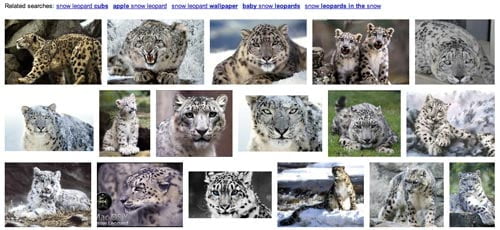
Google has allowed users to search images by looking for similar versions to ones already found in Google Image Search for a long time now.
Recently, however, they have been allowing users to upload and image and find similar versions from across the web. It is very simple to do but not that many people know about.
How to Upload a Photo Find a Similar Version Online
- Go to Images.Google.com.
- Drag the images you would like to find similar versions of from your computer into the Google search box.
- To view the results in gallery form, click on the “Images” link- by default Google show the results in the “everything” view.
The feature isn’t perfect yet but it is very powerful. Based on my experiments it seems that Google uses a variety of factors in finding an image similar to the one that you uploaded.
Factors User to Determine Image Search Results:
- Colors
- Shape
- Image Name
Overall I think this feature is great and it will be exciting to see it evolve. I believe this service could be very useful for finding duplicate content and violators of copyright infringement.
I personally used the service to find a desktop background similar to the one that I was already using.
I have found that if you’re trying to upload a high resolution file, the search can take a long time and sometimes freeze up. I’ve had to compress a few files in Photoshop in order to search for them Google Local Image Search.
If you have an image on your local machine that you cannot reproduce using keywords in Google search but need a larger or different version of it, upload it to Google Images and search!