
Article last updated: January 2026
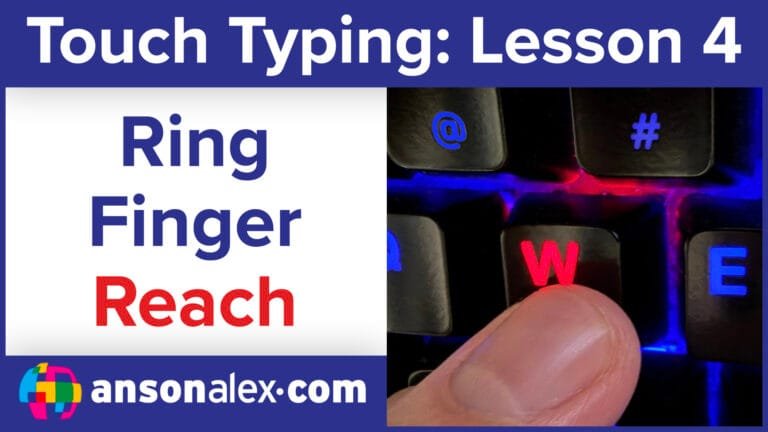
Learning how to type with your ring fingers is one of the most challenging — and most rewarding — steps in touch typing. These fingers often need extra strength and flexibility before the keystrokes feel natural, but once you train them, your typing becomes dramatically more fluid.
Use this page in order: Watch the video first, then do the practice near the bottom (TypeDrift + optional drills).
Watch the lesson video first
Quick routine: Watch once, then practice for 10–15 minutes (accuracy-first). If mistakes start climbing, slow down until it’s clean again.
Why ring fingers are difficult (and why it’s worth it)
Ring fingers have smaller muscles and are used less in everyday tasks, so they tend to feel stiff and inaccurate at first. With index and middle fingers, progress is mostly memorization + muscle memory. With ring fingers, you’re often building strength and flexibility first — then muscle memory starts to click.
This is the “frustration stage” for most learners. If it feels hard, you’re doing the right work.
Ring finger keys you’re learning
Your ring fingers are responsible for these primary keys:
Left ring finger:  S (home row), 2, W, X
Right ring finger: L (home row), 9, O, .
Why these matter: The letter O and the period are used constantly in real typing. As soon as these become comfortable, your everyday typing becomes smoother and faster.
How to practice ring fingers correctly
- Practice in short sessions: 10–15 minutes
- Return to the home row after every keystroke
- Slow down when accuracy drops (don’t “push through” sloppiness)
- Expect stiffness at first — it improves quickly with repetition
Manual drills (optional)
If you want quick drills in a blank document (in addition to TypeDrift), try these:
s s s s  l l l l
w w w w  o o o o
x x x x  . . . .
w x w x  o . o .
Practice Ring Fingers in TypeDrift
TypeDrift is the focused practice tool I built to reinforce touch-typing technique with accuracy-first training. Use the Ring preset to isolate these keys and build strength without overload.
- Accuracy-first training that naturally builds speed
- Targets weak keys so you don’t plateau
- Short sessions that fit real life (10–15 minutes)
Tip: Stop while you’re still accurate. That’s how speed builds without bad habits.

