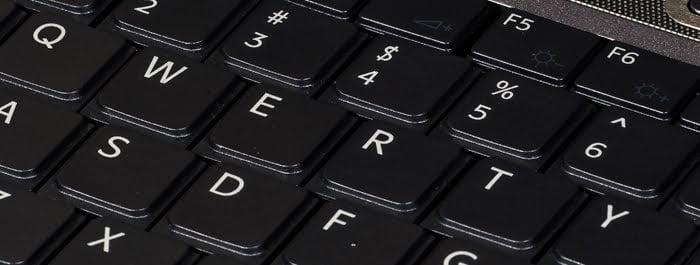
A computer can only move as fast as the person driving it. When I work on my computer I love to fly lightning fast and the only way to do that is to use keyboard shortcuts.
Have one hand one your mouse and the other on the keyboard. If you are new to using shortcut keys then use the following list to help you remember:
For Windows (The CTRL key is located two keys to the left of the spacebar):
| Copy | CTRL + C | Quit | ALT + F4 | Start Menu | CTRL + ESC |
| Cut | CTRL + X | Redo | CTRL + Y | Tab Programs | ALT + TAB |
| Delete | CTRL + D | Refresh | F5 | Task Manager | CTRL + SHIFT + ESC |
| Select All | CTRL + A | Get Info | ALT + Enter | Search | F3 |
| Undo | CTRL + Z | Paste | CTRL + V | Select All | CTRL + A |
| CTRL + P |
For Mac
| Change App | Command + Tab | Close Window | Command + W |
| Delete | Command + Delete | Deselect All | Option + Command + A |
| Finder | Command + N | Force Quit | Command + Option + ESC |
| Minimize | Command + M | Open | Command + O |
| Paste | Command + V | Command + P | |
| Select All | Command + A | Spotlight | Command + Spacebar |
| Copy | Command + C | Eject | Command + E |
| Open Applications | Shift + Command + A | Undo | Command + Z |
| Info | Command + I | Add to Favorites | Shift + Command + T |