

Typing is the primary way you communicate with the digital world. Whether you’re aiming for your first consistent 60 WPM or you already type fast and want cleaner accuracy, this hub gives you a clear starting point.
You can follow the lessons in order, or jump in where you feel most comfortable—and then use TypeDrift to practice exactly what you want to improve.
With the rise of AI, typing is more important than ever. Faster typing means faster prompting, which means you can get more done with your time.
Returning User? Jump back into practice, or skip straight to the lessons if you already know where you want to start.
Why Accuracy Always Beats Speed
Speed is useful—but accuracy is what makes speed sustainable. When accuracy is inconsistent, you stop, backspace, and re-type, which breaks rhythm and makes practice feel harder than it should.
Instead, build clean muscle memory first, then let speed show up naturally. If you already type quickly, accuracy-first training is also the fastest way to break through “plateaus” and fix bad typing habits.
Step 1: Benchmark Your Current Speed & Accuracy
Your Baseline
After your test, take note of your WPM and accuracy. These are your baselines—your “before” numbers. Compare them to your scores in TypeDrift to measure your progress over time.
What is a Good Typing Speed?
| Level | Typical WPM | Best for: |
|---|---|---|
| Average | ~40 WPM | Everyday typing, school, and many standard office tasks. |
| Professional | 60–75 WPM | Typing-heavy work, faster communication, fewer slowdowns. |
| High Performance | 80–100+ WPM | Competitive speed, rapid drafting, and high-volume output. |
Quick self-check: High WPM but lots of corrections? Train accuracy first. Solid accuracy but stuck WPM? Improve scanning ahead and finger efficiency.
Step 2: Choose a Lesson Starting Point
Pick Your Path
- New to touch typing? Start with Lesson 1 and move forward.
- Have some experience? Start with the finger you’re least confident with, and then revisit earlier lessons if needed.
- Already fast? Jump to Lesson 6 to push speed even higher.
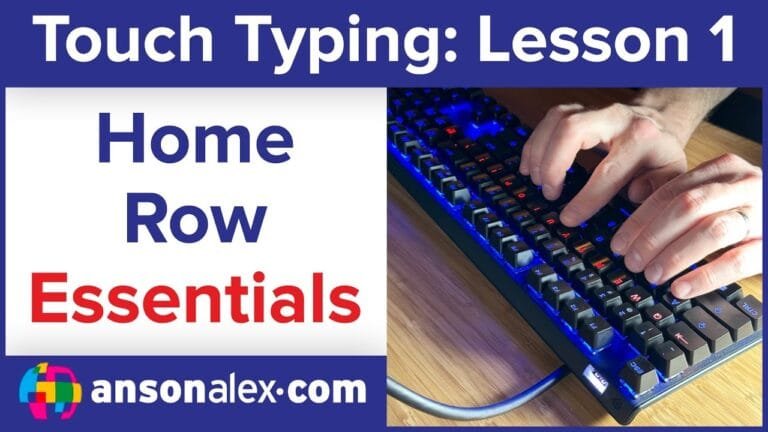
Lesson 1: Learning The Home Row
Mastering the "A S D F" and "J K L ;" home positions. This is the anchor for everything else.
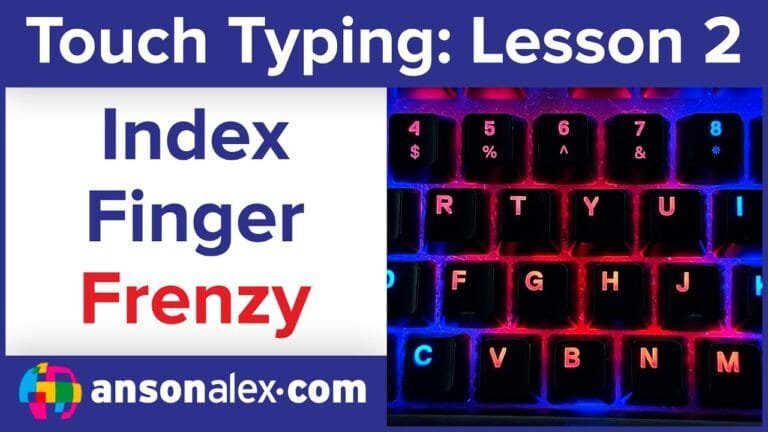
Lesson 2: Index Finger Frenzy
Learning the vertical reaches for your most active fingers without hand twisting.
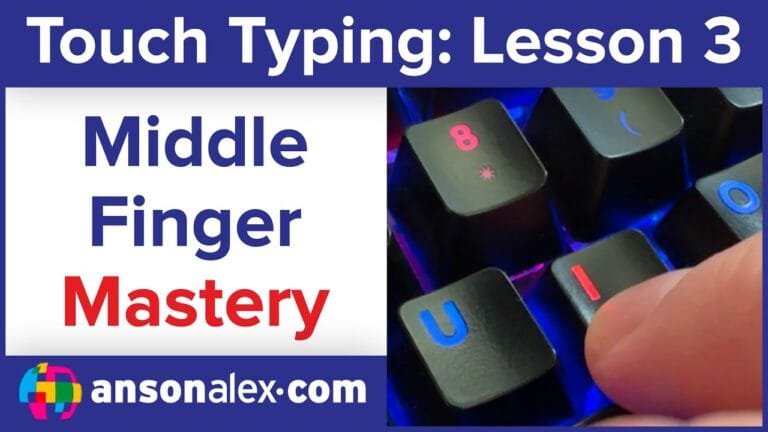
Lesson 3: Middle Finger Mastery
Smoothing out the reaches for the middle row and vertical keys.
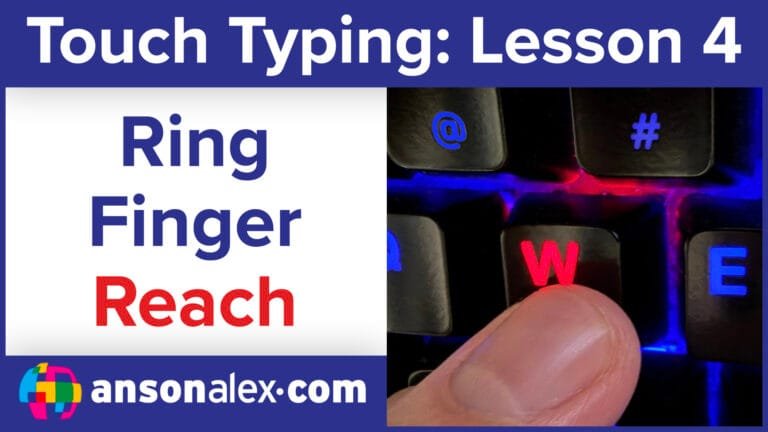
Lesson 4: Ring Finger Reach
Developing strength and accuracy in the ring fingers for high-row reaches.
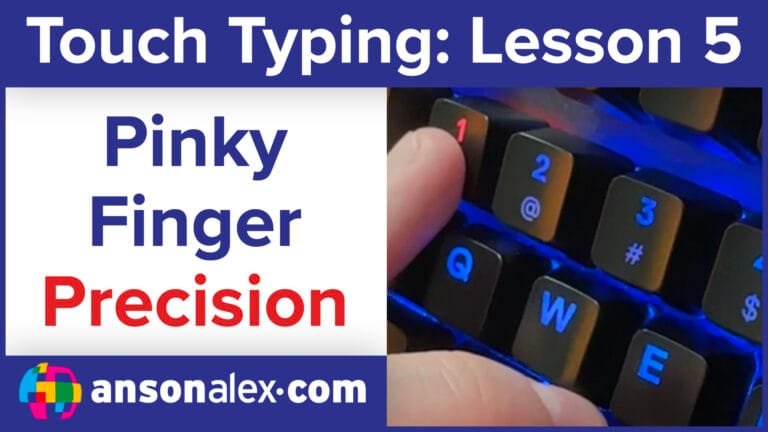
Lesson 5: Pinky Finger Precision
Mastering the "outer edge" keys and modifiers (Shift, Enter, Tab) with precision.
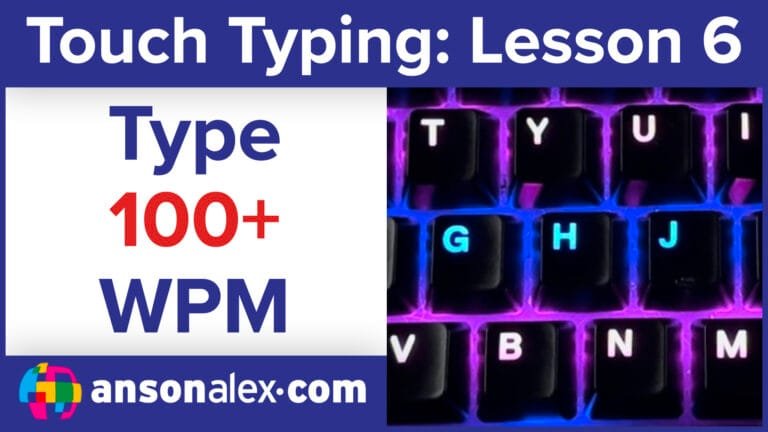
Lesson 6: Advanced Speed & Scanning
Breaking through speed plateaus by scanning ahead and minimizing hand movement.
Step 3: Practice Intentionally With TypeDrift
The TypeDrift Method
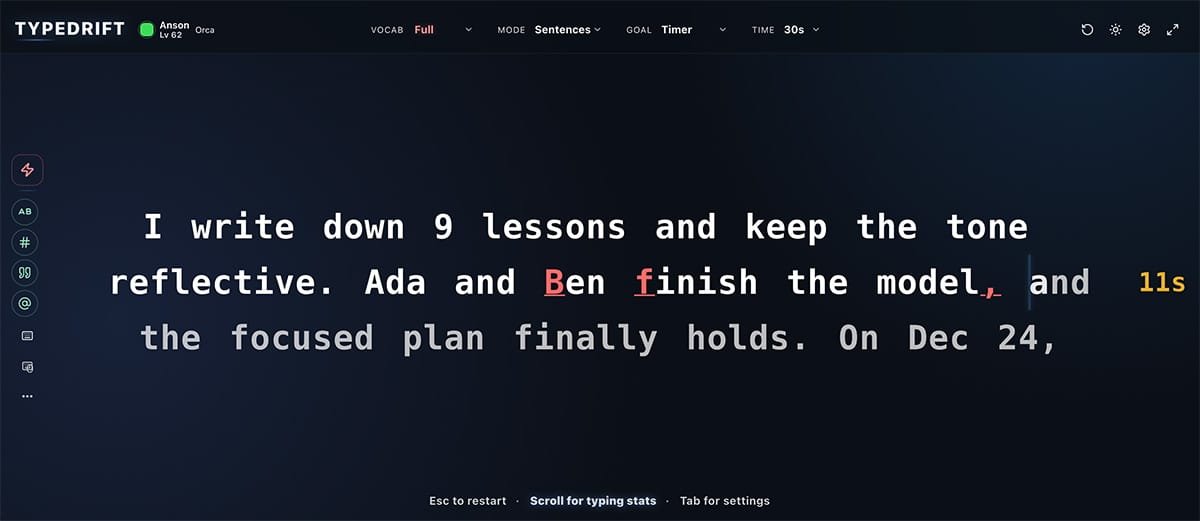
TypeDrift isn’t just a typing game. It’s a practice engine I built to match this curriculum and to support typists at any level.
- Lesson-aligned presets that match each stage of this hub (home row → full keyboard).
- Custom active keys so you can practice only what you want, even if you start mid-course.
- Weak-key targeting to tighten accuracy and smooth out inconsistency before you chase more speed.
Use Stats to Decide What to Practice Next
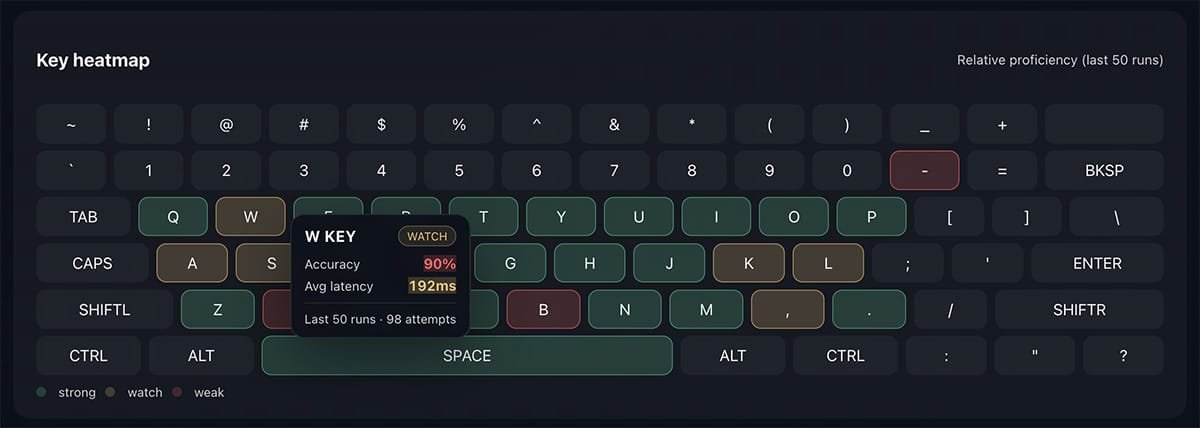
If you’re not sure where to start, let your results decide. TypeDrift tracks accuracy patterns and highlights weak keys so you can stop guessing and focus your practice.
Advanced Guidance & Tips
If you want extra guidance on technique, common pitfalls, and what “good practice” actually looks like, these two videos pair well with the lessons and TypeDrift training.
Common Mistakes
Avoid the technical errors that cap your speed before you even start.
Typing Games Done Right
How to use games to build real-world speed without sacrificing technique.
Quick Start: Choose Your Next Step
If you’re a beginner (or rebuilding fundamentals)
Start with the Home Row lesson and build outward. If a stage feels too easy or too hard, that’s normal—adjust your starting point and keep going at a pace that feels comfortable.
If you’re already comfortable typing
Jump straight into TypeDrift with the full keyboard preset, then use your stats and heatmap to target whatever slows you down most.