Article last updated: January 2026
When it comes to typing without looking at the keyboard (touch typing), everything revolves around the Home Row. This is the starting and resting position your fingers return to after every keystroke — and it’s the foundation that makes fast, accurate typing possible.
In this lesson, you’ll learn the Home Row position, how each finger should rest, and the posture basics that help you build speed without creating bad habits. Watch the video first, then do the practice near the bottom.
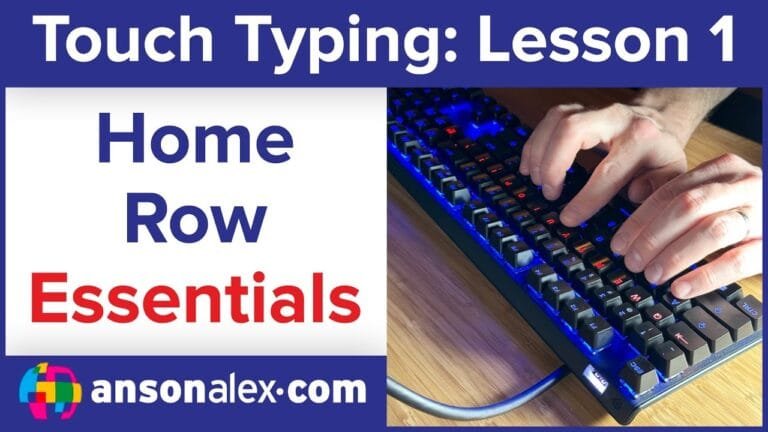
Watch the lesson video first
Quick routine: Watch once, then practice for 10–15 minutes (accuracy-first). If your mistakes increase, slow down until it’s clean again. Speed comes from clean repetition.
What is the Home Row?
The Home Row is the “resting position” for your fingers. In touch typing, your fingers return here after each letter so you always have a consistent starting point. That consistency is what makes it possible to type without looking.
A S D F  (left hand)
J K L ;  (right hand)
Spacebar (thumbs)
Finger placement on the Home Row:
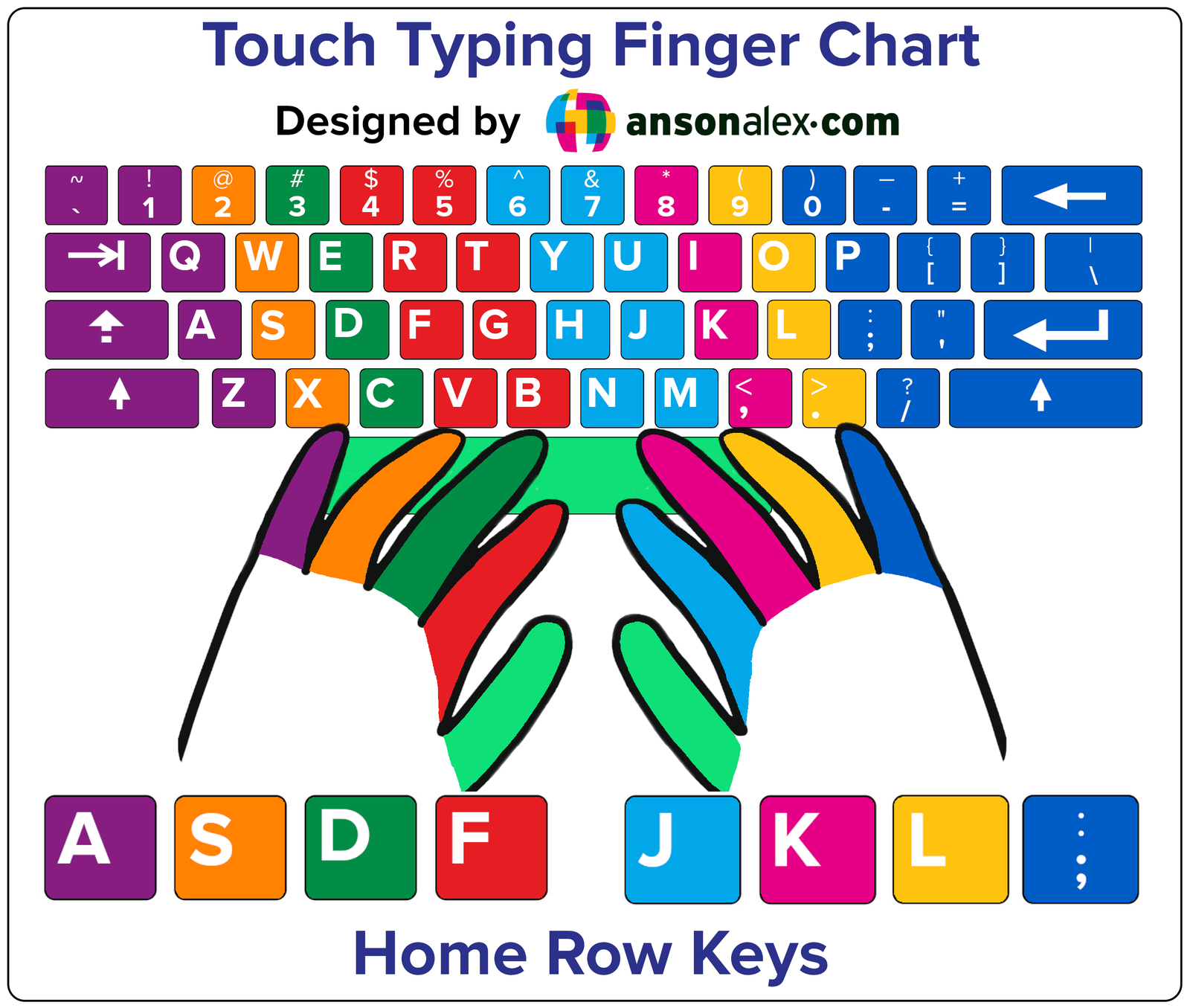
- Left hand: pinky on A, ring on S, middle on D, index on F
- Right hand: index on J, middle on K, ring on L, pinky on ;
- Thumbs: rest lightly on the spacebar
Printable finger chart (recommended)
This chart gives you a way to check finger placement without looking at your keyboard. I recommend opening it in a new tab and keeping it nearby while you practice.
Posture and positioning
Proper posture helps you type faster and reduces strain while you practice.
- Elbows at about 90° or wider
- Wrists straight and relaxed (avoid curling up)
- Feet flat on the floor, back straight
- Screen slightly below eye level
Wrist warning: Avoid bending your wrists upward or resting heavily on thick pads. Neutral wrists reduce strain and improve long-term comfort.
Manual drills (optional)
If you want a quick drill in a blank document (in addition to TypeDrift), start with:
asdf jkl;
a s d f j k l ;
Practice the Home Row in TypeDrift
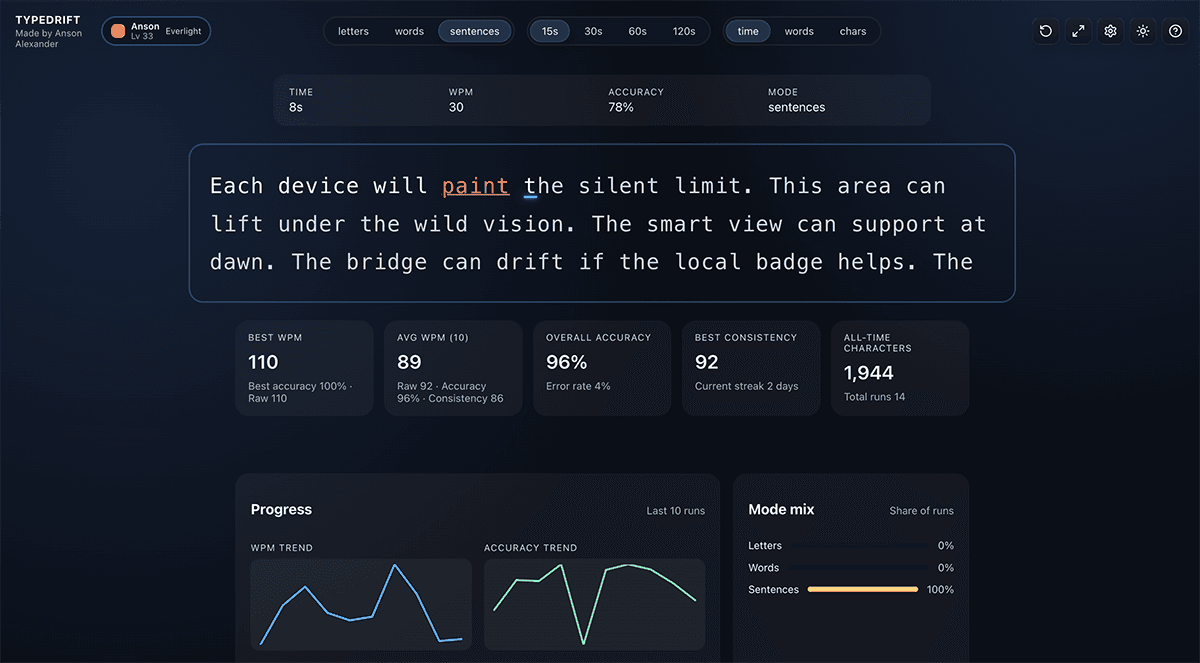
TypeDrift is a focused practice tool I built to reinforce proper touch-typing technique while helping you improve speed and accuracy. It’s designed to match this lesson, so you can practice the exact keys you’re learning right now.
- Accuracy-first training that naturally builds speed
- Targets weak keys so you don’t plateau
- Short sessions that fit real life (10–15 minutes)
Tip: Stop while you’re still accurate. That’s how speed builds without bad habits.