Article last updated: January 2026
Once you’re comfortable with the Home Row, the index fingers are the best place to expand next. They handle more keys than any other fingers, and learning them dramatically increases what you can type without looking.
In this lesson, you’ll learn the index finger key assignments, a simple accuracy-first practice approach, and how to avoid the common mistakes that slow down progress. Watch the video first, then do the practice near the bottom.
Watch the lesson video first
Quick routine: Watch once, then practice for 10–15 minutes (accuracy-first). If mistakes increase, slow down until it’s clean again. Speed comes from clean repetition.
Index finger key assignments
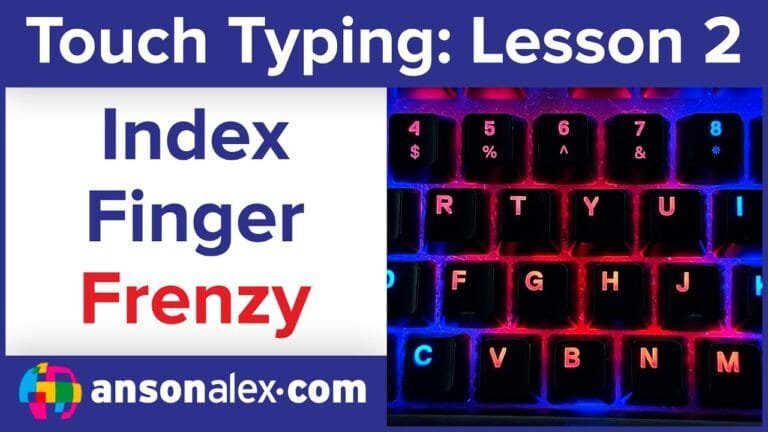
When touch typing, the index fingers are responsible for the following keys. Start by memorizing these assignments and focusing on returning to the Home Row after each keystroke.
Left index finger:
4 5 R T F G V B

Right index finger:
6 7 Y U H J N M
Home Row reset: Your index fingers should return to F and J after each keystroke. That reset is what creates consistent muscle memory over time.
Accuracy rule: If you can’t type the keys cleanly, slow down. Speed is the result of clean repetition — not rushing.
Common mistakes to avoid
- Letting your hands drift away from Home Row between keystrokes
- Pressing multiple keys by accident (usually ring/pinky drifting)
- Trying to type fast before accuracy is consistent
Manual drills (optional)
If you want a quick drill in a blank document (in addition to TypeDrift), try short, controlled patterns that force a clean return to Home Row:
f j f j f j
r u r u r u
t y t y t y
v n v n v n
g h g h g h
If one key feels awkward, isolate it for 30–60 seconds. That’s normal — index finger reach improves quickly with repetition.
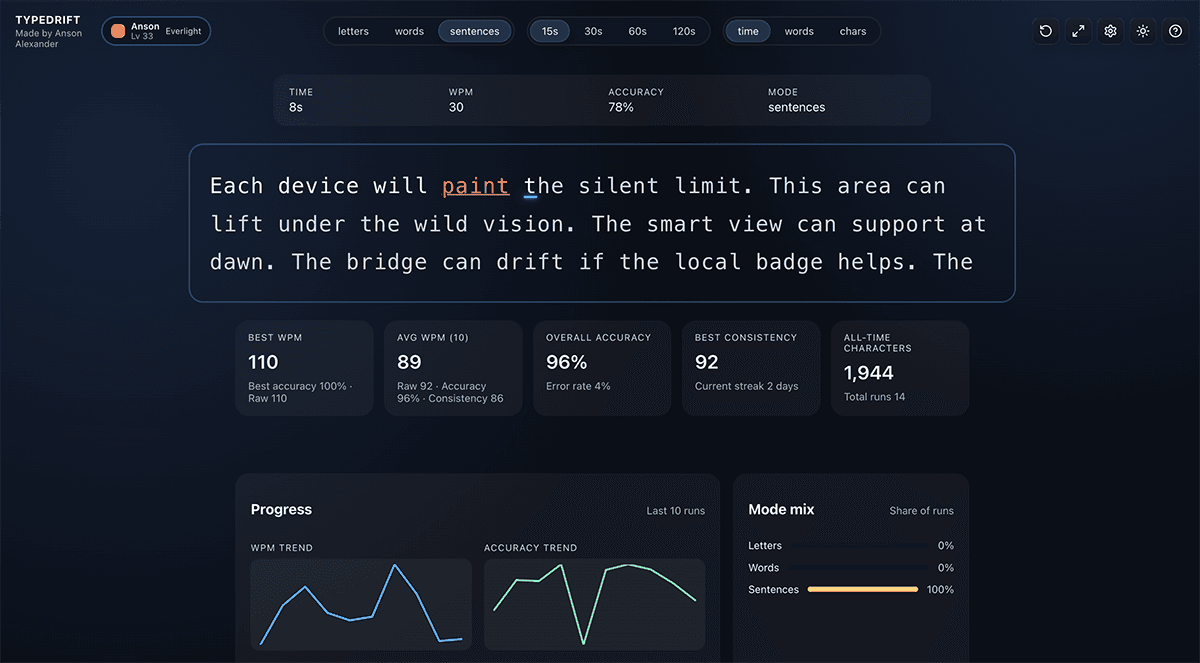
Practice Index Fingers in TypeDrift
TypeDrift is a focused practice tool I built to reinforce proper touch-typing technique while helping you improve speed and accuracy. It’s designed to match this lesson, so you can practice the exact keys you’re learning right now.
- Accuracy-first training that naturally builds speed
- Targets weak keys so you don’t plateau
- Short sessions that fit real life (10–15 minutes)
Tip: Stop while you’re still accurate. That’s how speed builds without bad habits.