Article last updated: January 2026
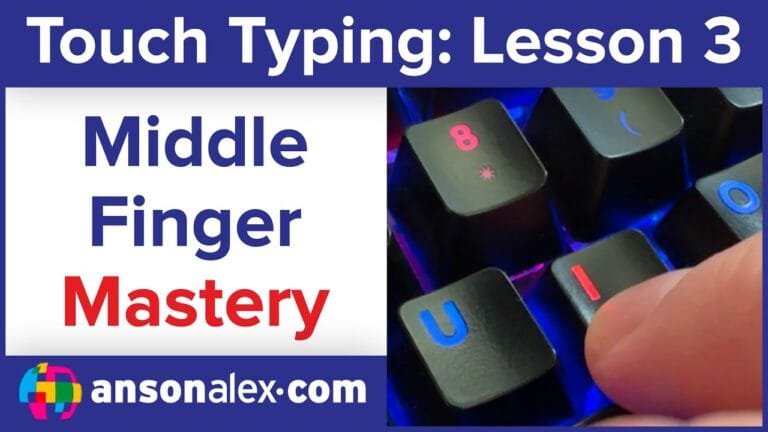
After Home Row and index fingers, the middle fingers are the next best expansion. These keys are close to Home Row, so most people learn them quickly — and they unlock a lot more real words and sentences.
In this lesson, you’ll learn the middle finger key assignments, how to practice them without drifting off position, and how to build speed the right way. Watch the video first, then do the practice near the bottom.
Watch the lesson video first
Quick routine: Watch once, then practice for 10–15 minutes (accuracy-first). If mistakes increase, slow down until it’s clean again. Speed comes from clean repetition.
Middle finger key assignments
Your middle fingers are responsible for these keys. Keep your hands anchored and return to Home Row after each keystroke (D and K are your middle-finger home keys).
Left middle finger:
3 E D C

Right middle finger:
8 I K ,
Home Row reset: Middle fingers should return to D and K after each keystroke. That reset keeps your hands centered and prevents “drift” over time.
Speed tip: Don’t chase WPM yet. Lock in accuracy first. Fast typing is just accurate typing, repeated.
Common mistakes to avoid
- Letting your wrists or palms shift (causes missed keys and slows muscle memory)
- Not returning to D/K between letters (hands drift off center)
- Accidentally pressing neighboring keys (often from tense fingers)
Manual drills (optional)
If you want a quick drill in a blank document (in addition to TypeDrift), use simple patterns that force clean movement and reset:
d k d k d k
e i e i e i
c , c , c ,
e d e d e d
i k i k i k
If one key feels awkward (common with ,), isolate it for 30–60 seconds, then go back to patterns. Short, focused reps work better than long sloppy sessions.
Practice Middle Fingers in TypeDrift
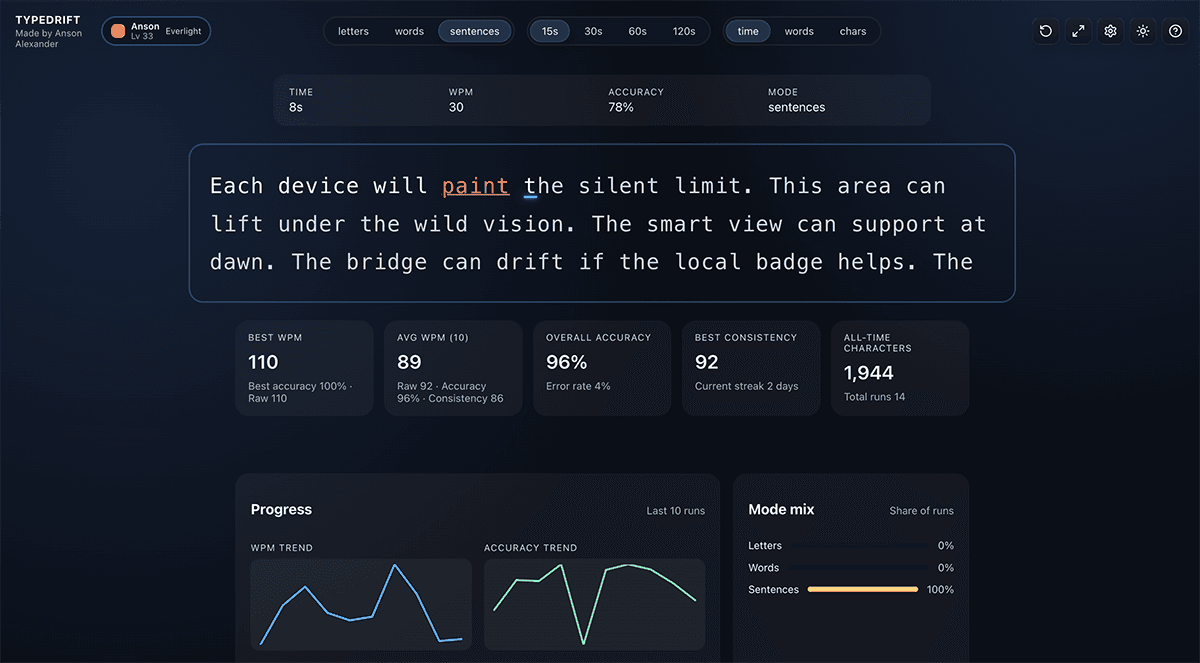
TypeDrift lets you practice the exact keys from this lesson with an accuracy-first approach that builds speed naturally over time.
- Lesson-matched practice (middle finger keys only)
- Targets weak keys so you keep improving
- Short sessions that actually stick (10–15 minutes)
Tip: If accuracy drops, slow down immediately. Don’t practice mistakes.