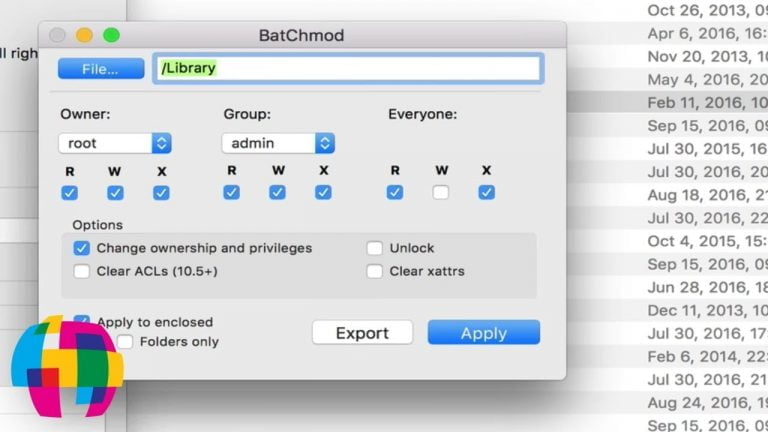
Changing file and folder permissions on Mac OS X can be a daunting task if you’re trying to do it by using the build-in tools provided by Apple.
If you need a more robust tool for modifying your file and folder permissions, BatchMod is the tool that you’re going to want to use.
The above video tutorial provides users with a general walkthrough on how to use BatchMod.
Some of the topics covered include:
- A general overview of the BatchMod user interface.
- Why you should use caution when changing file and folder permissions.
- A discussion on viewing current permissions using native OS X tools instead of BatchMod.
- How to modify the permissions of multiple files / folders at once.
- A discussion on what the permission icons in BatchMod signify.