Looking down at the keys is the habit that keeps most self-taught typists stuck. This guide is for people who already type with several fingers but still glance at the keyboard whenever they’re unsure of a key. It covers what to do at that exact moment, how to recover when your hands drift, why your speed should be allowed to drop for a while, and a five-minute drill that breaks the habit.
If you’re starting from zero and don’t know which finger goes where yet, begin with the home row lesson and come back here once your fingers have a starting position.
The rule, in four steps:
- Keep your eyes on the screen, even when you’re unsure of the next key.
- Slow down and make a deliberate attempt to find the key by feel.
- Wrong key? Press Backspace and try again. Lost completely? Find the bumps on F and J, reset and carry on.
- Look down only after a couple of failed attempts, and only to learn where the key is. Then look back up and type it again without looking.
In this guide
- Why touch typing doesn’t need a picture of the keyboard · video 0:17
- What to do when you don’t know where a key is · 1:01
- Let your speed drop while you retrain · 2:01
- Slow down for hard words, not for everything · 2:22
- A five-minute drill to break the habit · 3:03
- What changes when the movements become automatic · 4:09
- Where to go next
Why touch typing doesn’t need a picture of the keyboard
Touch typing means your fingers find the keys by touch, not your eyes by sight. That’s the whole point of the name, and it changes what you’re actually trying to learn.
Many people assume fast typists carry a perfect mental map of the keyboard. They don’t. In a 2010 study at Vanderbilt University, skilled typists turned out to have poor explicit knowledge of where the keys are, even though they type quickly and accurately. In a later study by the same lab, typists asked to fill in a blank keyboard placed only about 15 of the 26 letters correctly.
I notice the same thing in my own practice. Random letters are much harder for me than real words or sentences, because my fingers already know the movements for common letter combinations. That’s the skill to build: not a picture you can visualize with your eyes closed, but fingers that can reach the next key from wherever they are right now.
What to do when you don’t know where a key is
The moment you’re unsure of a key is the moment that decides whether the habit changes. Glancing down fixes the next keystroke and teaches your fingers nothing. Do this instead:
- Keep your eyes up. Leave them on the screen, on the word you’re typing.
- Slow down and reach deliberately. Make your best attempt to find the key by feel, based on where your fingers are now.
- If you hit the wrong key, press Backspace and try again. A miss isn’t wasted. Your fingers are still moving around the keyboard, you’re practicing corrections, and you’re learning the position by touch.
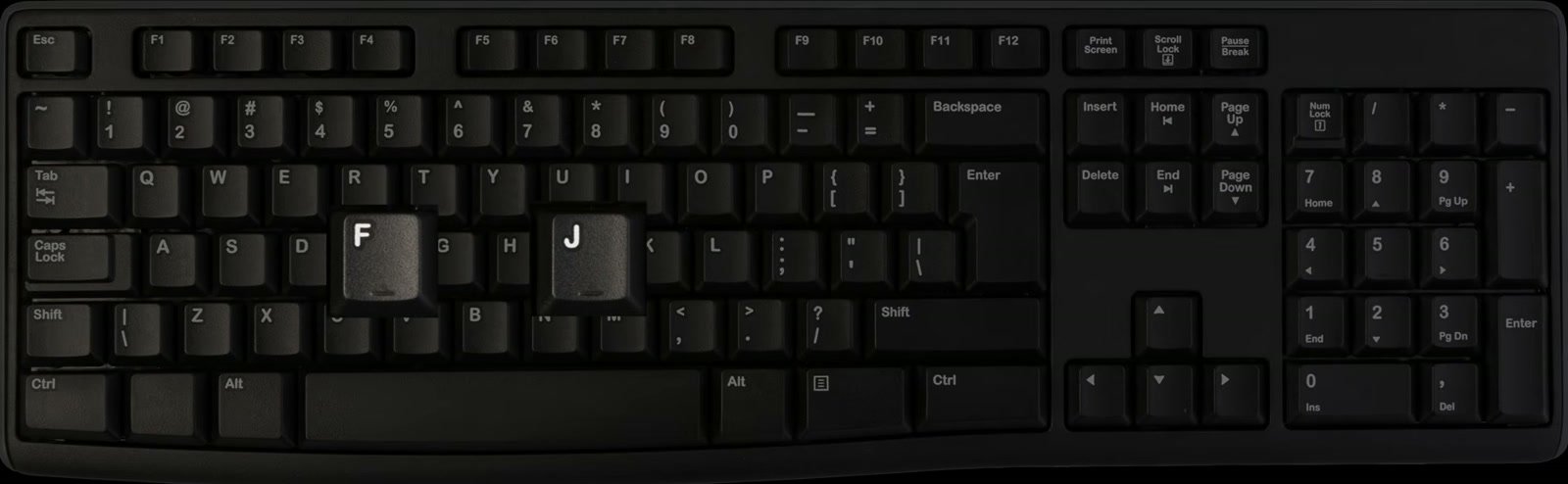
- If you’ve completely lost your position, reset on F and J. Feel for the small raised bumps on those two keys, put your index fingers back on them, and try the key again from the home row.
- Only after a couple of failed attempts, look. Look to learn where the key is, then put your eyes back on the screen, reset your hands and type that same key again straight away, this time without looking.
The difference between step 5 and the old habit matters. Looking because you’ve tried and genuinely don’t know is learning. Looking automatically because you feel uncomfortable, then moving on to the next key, is the habit you’re trying to break.
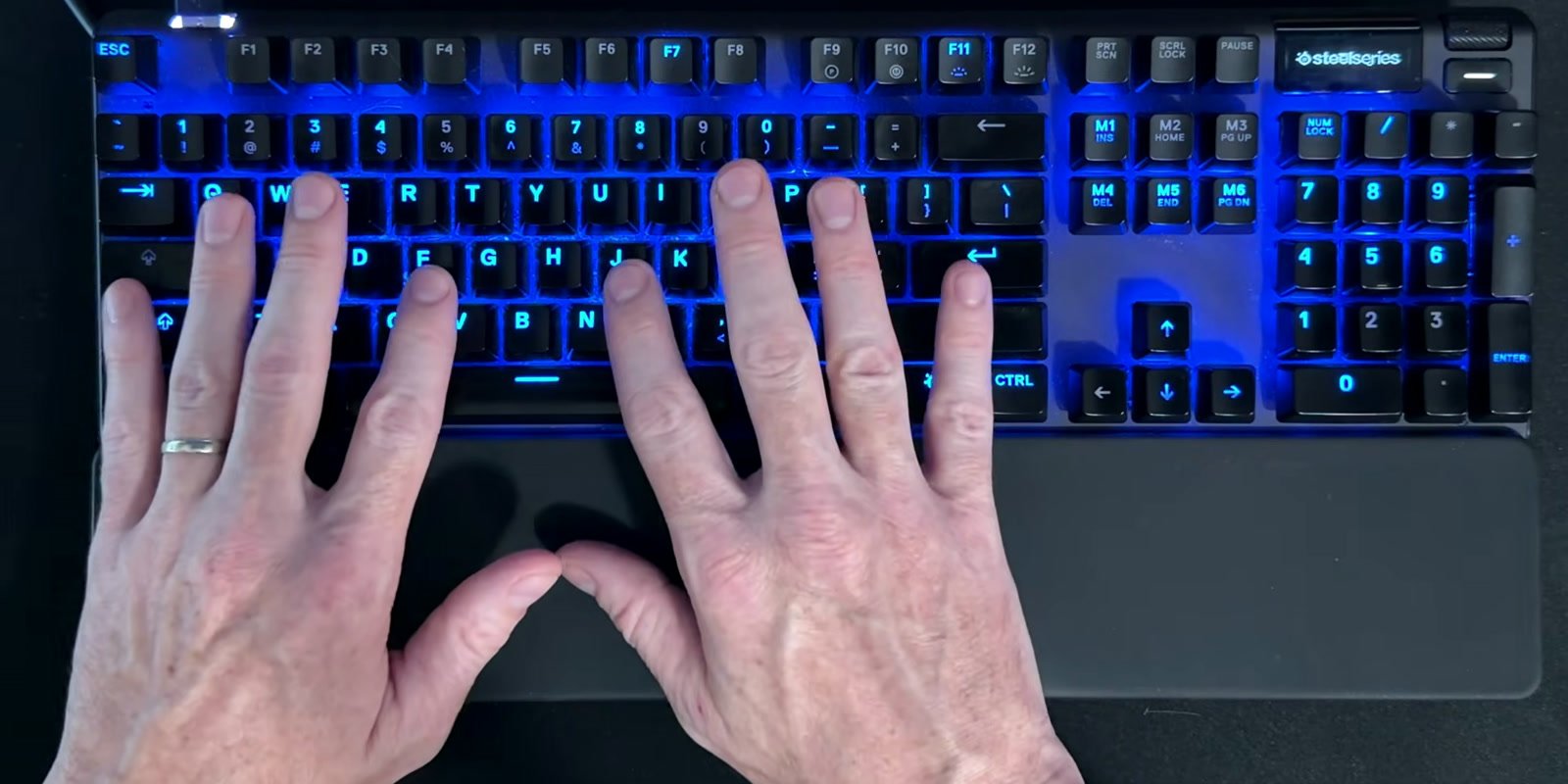
The F and J bumps are your reference point. With your left index finger on F and your right index finger on J, the rest of your fingers fall onto the home row keys, and every other key is a reach from there. If you’re not sure which finger covers which keys, the home row lesson shows the full finger placement.
Let your speed drop while you retrain
Expect your speed to fall while you practice this. If you normally type 50 words per minute and drop to 25 while keeping your eyes on the screen, that’s fine. You’re training movements right now, and the speed comes back once those movements become automatic.
What you shouldn’t let slip is accuracy. Practicing at a pace where you make mistakes on every other word just rehearses mistakes. My guide to improving typing accuracy covers the pace I recommend aiming for.
Slow down for hard words, not for everything
You don’t have to type every letter at the same speed. One of my favorite typing tips comes from Sean Wrona, one of the fastest competitive typists of all time: fly through the easy words and letter combinations, and slow down for the difficult ones so you get them right.
Typing isn’t cruise control. You wouldn’t drive into a pothole at full speed and hope for the best. You’d ease off, get through it, and then speed back up. Treat an awkward word the same way: slow down for it, make the right keystrokes, then return to your normal pace.
A five-minute drill to break the habit
Give this five focused minutes. Use any typing practice site you like: what matters is the method, not the tool.
- Choose easy text. Use common words in plain lowercase, with no punctuation, numbers or capital letters. The challenge should be not looking at the keyboard, not working out what to type.
- Keep your eyes on the screen for the full five minutes.
- Type a little slower than you would in a speed test.
- When you know where a key is, type it. When you’re unsure, pause and find it by feel. If you miss, press Backspace and try again. If you’ve lost your position, find F and J, reset and continue.
- Ignore your final score. The only thing that counts in this exercise is what you do when you feel uncertain.
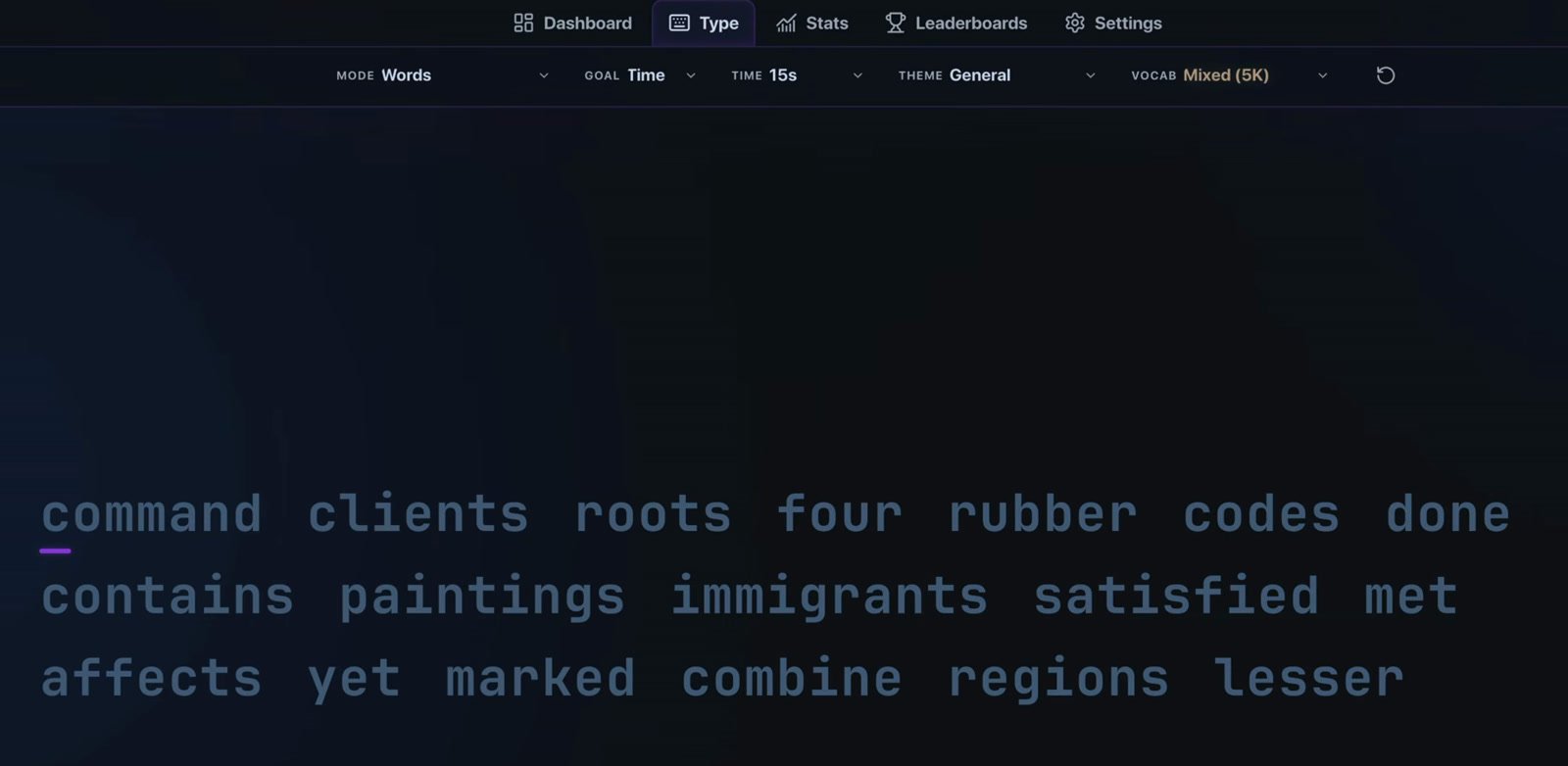
I use TypeDrift, the typing practice tool I built, partly for exactly this kind of training. It’s free to use. For this drill, I choose Words mode rather than Letters, which is much harder, or Sentences, which adds capitals and punctuation.
What changes when the movements become automatic
Once the movements become automatic, you stop thinking about individual letters and start thinking about whole words. As you get faster, you can look ahead to the next word while your fingers finish the current one. That’s what you see in very fast typists: they’re not thinking about each key press, because their fingers are handling the current word while their attention has already moved on.
That only happens once your fingers can find keys without asking your eyes for help. So the next time you don’t know where the next key is, treat it as the moment that matters: eyes up, best guess, reset if you need to, and look only if you really have no idea.
Where to go next
- New to touch typing? Start with the home row lesson, then work through the finger-by-finger lessons in the typing lessons hub.
- Making too many mistakes? Read how to improve typing accuracy.
- Want to measure progress fairly? See how typing speed is measured, including why gross and net words per minute differ.
- Already comfortable without looking? The advanced techniques lesson covers building speed from here.